How to Download and Install Crackers Wither Storm Mod on Java Edition
Installing Crackers Wither Storm Mod on Minecraft Java Edition takes about ten minutes once you know which files match. Most failed installs come from a version mismatch, so this guide puts the checks first and the clicking second.
Before you start
- A licensed copy of Minecraft Java Edition with the official launcher.
- The Minecraft version you want to play, launched at least once so its folders exist.
- A backup of any world you care about. The Wither Storm permanently removes terrain.
- Enough memory. We suggest allocating around 4 GB or more to Minecraft for later phases.
Choose the right file
The mod is released in separate builds for specific Minecraft versions, such as 1.16.5, 1.19.4 and 1.20.1. A build made for one version will not load on another, even if the numbers look close.
- Decide which Minecraft version you will play.
- Get the mod build for exactly that version from the developer's official project page.
- Check that the file ends in
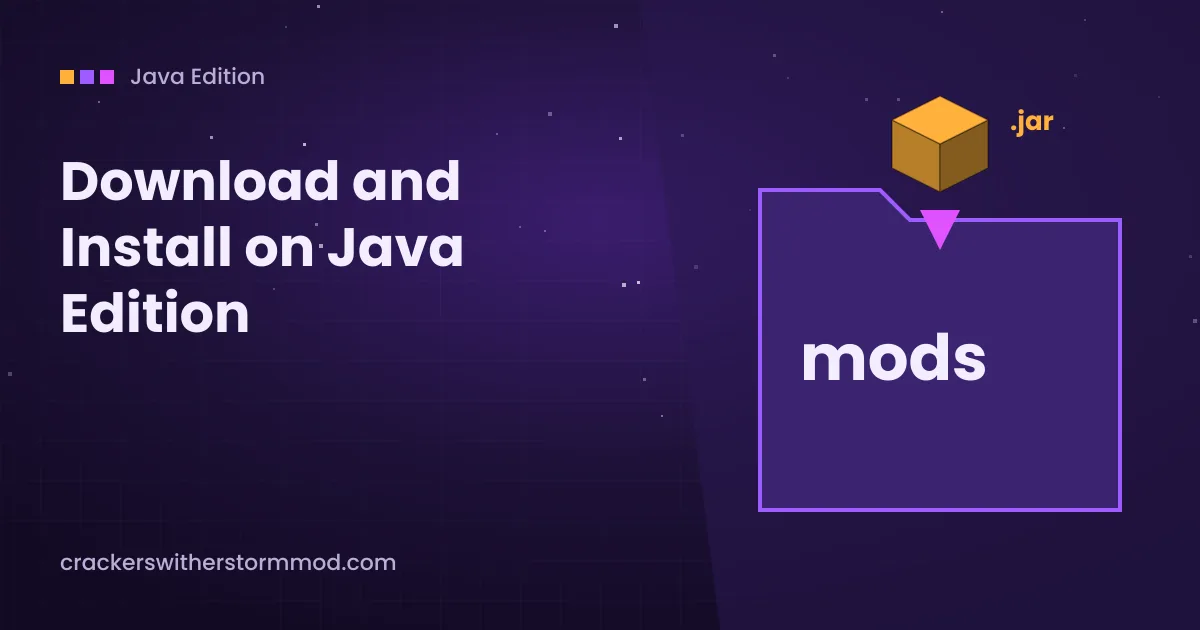
.jar. A playable Forge mod is a single .jar file.
About the download on our homepage: the main button downloads the 1.16.5 branch archive from the developer's GitHub repository as a ZIP file. That repository is primarily used for issue tracking and translation files, so the archive may not contain a ready-to-play .jar. Do not place a ZIP archive in your mods folder.
Avoid reupload sites that wrap the mod in an installer, ask you to disable antivirus, or request a login. A genuine mod never needs an .exe file.
Install Forge
The mod runs on the Forge mod loader, and some newer releases are also listed for NeoForge. It is not a Fabric mod.
- Download the Forge installer for the same Minecraft version as your mod build from the official Forge website.
- Run the installer, choose Install client and confirm the default Minecraft folder.
- Open the Minecraft Launcher. A new Forge profile should appear in the version list.
- Launch that profile once and close the game. This creates the
modsfolder.
Java runtime notes
The official launcher includes the right Java for each version. If you use a third-party launcher, remember that Minecraft 1.16.5 uses Java 8, while 1.19.4 and 1.20.1 need Java 17.
Put the mod in your mods folder
| System | Default mods folder |
|---|---|
| Windows | %appdata%\.minecraft\mods |
| macOS | ~/Library/Application Support/minecraft/mods |
| Linux | ~/.minecraft/mods |
On Windows, press Win + R, paste the path and press Enter. Copy the .jar file into the folder. Do not extract it and do not put it inside a subfolder.
First launch checks
- Start the Forge profile from the launcher.
- On the title screen, open Mods and look for Cracker's Wither Storm Mod in the list.
- Create a new world. The rundown house generates at X: 0, Z: 0 in newly generated terrain, so older worlds may not have it.
- Press F3 to see your coordinates and travel to the house when you are ready.
If the game crashes or the mod is missing from the list, the crash and lag fix guide covers the usual causes.
Installing on a server
For multiplayer, install the same Forge version and the same mod .jar on the server and on every player's computer. Place the file in the server's mods folder, restart, and let the server create its config files. Players with a different mod version will fail to join.
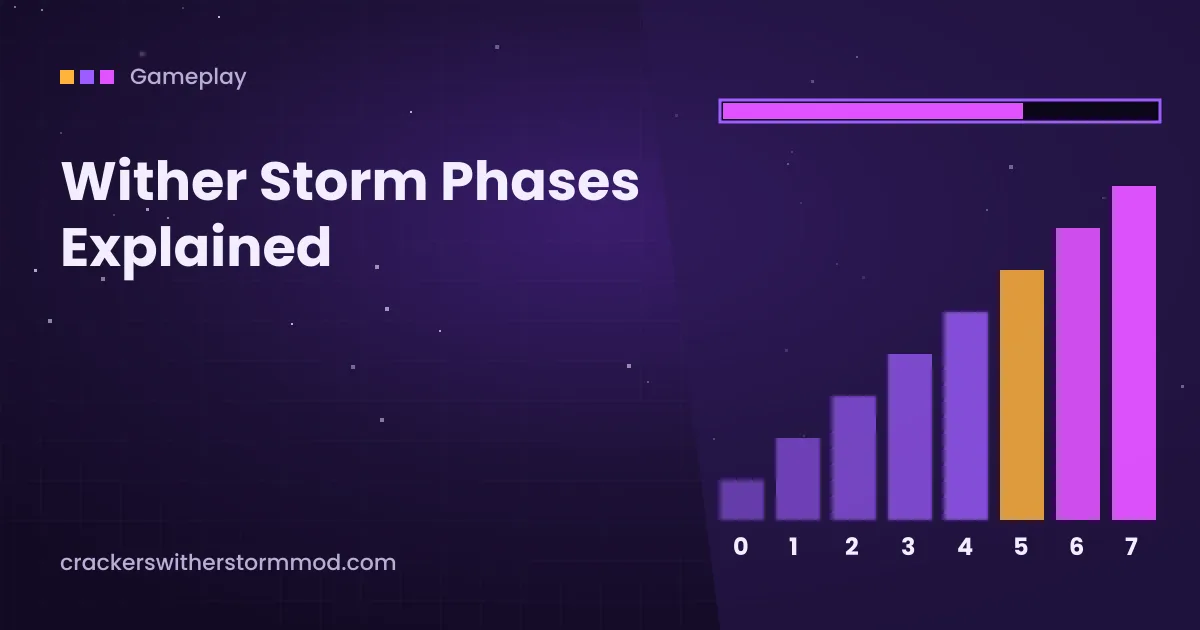
Once everything loads, read Wither Storm phases explained so your group knows what is coming.
Ready to set it up? Get the archive from our homepage download section, then follow the version checks above.